How to Review Text Edits in an Image Before Publishing
A practical review workflow for checking spelling, layout, and nearby details after an AI image text edit.
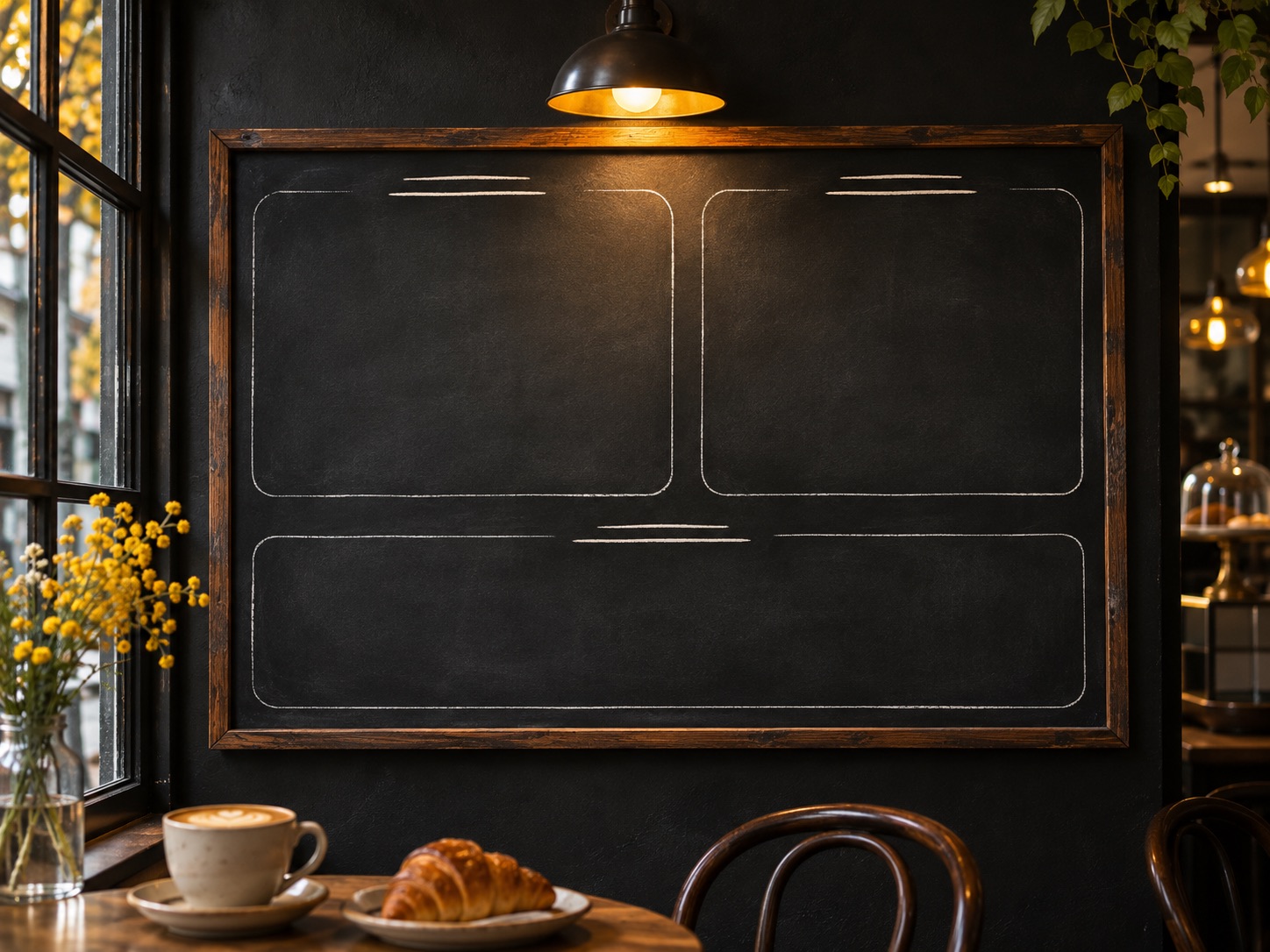
AI can redraw words inside a flattened image, but the result still needs a human review. Text, shadows, reflections, and background details share the same pixels, so an edit can change more than the requested letters. Use this checklist before you publish or send an edited image for approval.
1. Keep the source image
Save a copy of the original before editing. You will need it to compare the final composition and to restart if the result changes an important detail. Use an image you own or have permission to modify.
2. Check the new wording character by character
Read every word, number, accent, and punctuation mark against the approved copy. Pay extra attention to short words and small type, where a single letter can be hard to spot at normal viewing size. For menus, labels, dates, and prices, have another person verify the text before it is used publicly.
3. Review position and readability
Check that the replacement sits in the intended part of the image and remains readable at the size people will see it. Look at line breaks, contrast, alignment, perspective, and whether the new copy crowds nearby elements. A longer replacement may need a different layout than the original.
4. Compare the whole image with the source
Inspect both the edited area and the rest of the frame. Look for changed edges, shadows, reflections, repeated patterns, nearby objects, or other text that was not part of the request. Zooming in helps with fine details, but also return to the full image to judge the overall balance.
5. Decide whether the result is suitable to publish
If a detail is inaccurate, try a narrower instruction or return to the editable source file. For brand-critical typography, regulated product information, prices, event details, or other high-stakes copy, have a person confirm the final artwork. AI edits do not guarantee exact lettering or unchanged surrounding pixels.
If the image is a concept or mockup that could be mistaken for an official record or product label, identify it as an edited concept. You can start a new edit in the image editor, read how to write a clear editing prompt, or see why nearby image details can change.